
As Vision 2030 pushes banks deeper into digital channels, fraudsters follow the money. Mobile apps have become the primary battlefield for account takeover, phishing, and malware attacks targeting Saudi customers.
This article breaks down the threats hitting mobile banking users in the Kingdom, how banks detect and stop fraud before it drains an account, and what customers can do to protect themselves.
TL;DR
- Mobile banking fraud is rising alongside smartphone banking adoption in Saudi Arabia
- Common threats: phishing/smishing, SIM swap, fake apps, malware, and social engineering
- Saudi banks counter these threats with biometrics, AI monitoring, and app-level security like RASP
- SAMA's Cyber Security Framework mandates strict controls for licensed banks
- Bank-side controls plus user vigilance form the strongest fraud defense
Common Mobile Banking Security Threats in Saudi Arabia
Most fraud losses trace back to a handful of repeat-offender attack methods. Fraudsters don't need new tricks when the old ones keep working on unprepared users and under-protected apps.
Phishing and Smishing Scams
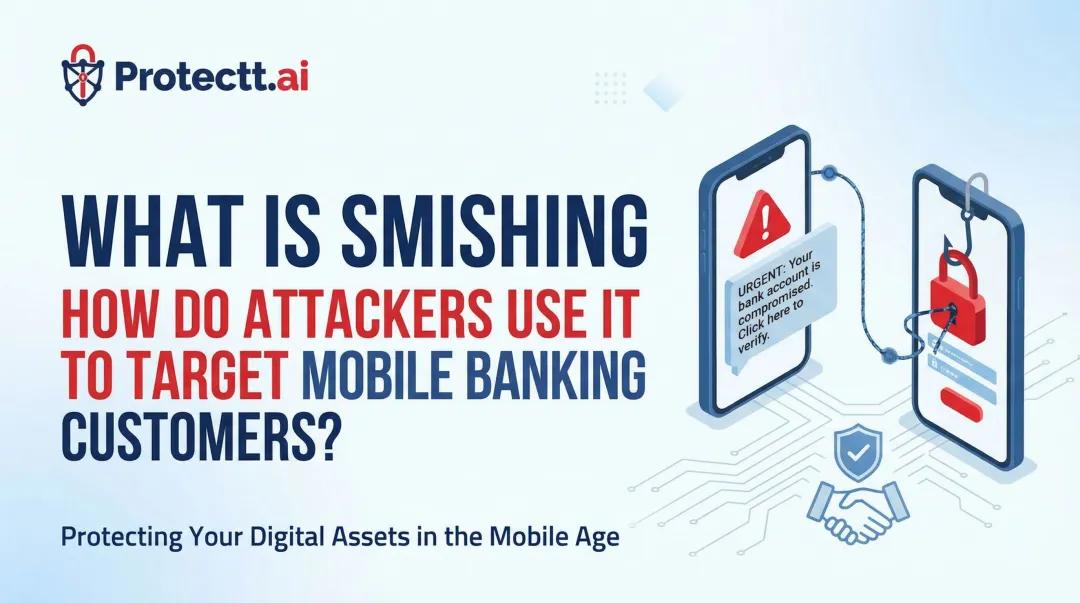
Attackers impersonate Saudi banks through SMS and email, pushing customers toward fake login pages. SAMA has publicly warned about fraudulent calls and texts impersonating banks, where senders request personal banking data or share phishing links disguised as official communication.
A typical scenario: a text claims your account has been "suspended" and urges you to click a link to reverify your details. The link leads to a spoofed page that looks identical to your bank's real login screen.
A 2022 Resecurity investigation uncovered phishing kits built specifically to steal credentials from customers of multiple named Saudi banks, using a cloned website as bait.
SIM Swap Fraud
Here's the mechanism: a fraudster convinces a mobile carrier to reassign your phone number to their SIM card. Once that happens, they intercept the OTP codes your bank sends via SMS.
This attack is especially dangerous in markets that lean heavily on SMS-based one-time passwords, since the SIM itself becomes the weak link, not the app or password.
- Gather personal details through prior phishing or data leaks
- Socially engineer the carrier into porting the number
- Intercept bank OTPs on the attacker's device
- Complete account takeover within minutes

Fake or Cloned Banking Apps
Malicious apps designed to look like legitimate Saudi bank apps trick users into typing in their credentials. These are usually distributed outside official app stores through sideloaded APK files shared via messaging apps or unofficial websites.
Promon's 2025 threat report describes malware like GoldPickaxe using fake apps to harvest verification videos and defeat banking authentication—the same mechanics apply when users install anything other than the real bank app.
Malware and Banking Trojans
Banking trojans exploit Android's Accessibility Services and broad app permissions to capture credentials, log keystrokes, and overlay fake login screens on top of real banking apps.
The scale of this threat is climbing fast. Kaspersky recorded a jump in users encountering mobile banking trojans from 69,200 in 2023 to 247,949 in 2024, a 3.6x increase, according to Kaspersky's 2024 financial cyberthreats report. That's a global figure, but it signals a trajectory Saudi institutions can't ignore.

Account Takeover via Social Engineering
This is where phishing and impersonation converge. A fraudster who already has partial account details calls the victim, poses as bank support, and asks them to "verify" an OTP that just arrived by text.
The victim reads out the code, unknowingly authorizing a transfer or a device registration. No malware required, just a convincing phone call.
How Saudi Banks Detect and Prevent Mobile Banking Fraud
Fraud prevention in Saudi banking uses layered, regulatory-driven controls, increasingly powered by AI.
Multi-Factor and Biometric Authentication
Fingerprint and Face ID login now sit alongside passwords in most Saudi banking apps, reducing dependence on credentials alone. Biometrics also cut reliance on SMS-OTP, the exact mechanism SIM swap fraud exploits.
Some platforms go further with silent, network-level verification. Protectt.ai's approach, for example, performs a cryptographic handshake directly between the SIM and the mobile network operator, completing in 2-4 seconds without a manual OTP entry. If a SIM has been hijacked, that handshake fails, blocking the fraudster before login even completes.
AI-Driven Transaction Monitoring and Behavioral Analytics
Banks now flag anomalies the moment they happen: a login from an unusual city, a new device, a transaction pattern that doesn't match the customer's history.
Platforms like Protectt.ai's AppProtectt analyze a wide range of signals in real time, including:
- Typing rhythm, swipe gestures, and session navigation timing
- Device fingerprint, OS version, and root/jailbreak status
- VPN or proxy use, mock locations, and IP-address consistency
- App tampering, code injection attempts, and reverse-engineering signals
AI-driven threat intelligence and behavioral analytics help BFSI institutions catch fraud attempts before funds move.

Runtime Application Self-Protection (RASP) and App Hardening
RASP defends the app itself while it's running, not just the network around it. Core capabilities include:
- Debugging prevention – blocks tools that would expose source code
- Hooking protection – stops attackers from manipulating app logic mid-session
- Anti-tampering validation – rejects server requests from modified APKs
- Reverse-engineering protection – makes cloned or repackaged apps far harder to build
These controls directly counter fake-app and malware-overlay attacks, since a hardened app refuses to interact with backend servers once it's been tampered with.
Code obfuscation adds another layer: scrambling variable names, encrypting strings and API keys, and encrypting UI assets so a cloned app has nothing usable to copy.
Device Binding and Zero-Trust Identity Verification
Binding an account to a specific registered device and SIM means stolen credentials alone aren't enough to log in. If the login request comes from an unrecognized device, it simply doesn't go through, regardless of whether the attacker has the correct username and password.
This zero-trust model treats every login as unverified until the device and SIM both check out.
Regulatory Compliance Under SAMA Cybersecurity Framework
SAMA's Rulebook requires licensed banks to maintain documented cyber-risk management processes. Banks must also conduct periodic risk assessments based on asset classification and keep a central risk register covering threats and vulnerabilities across business applications.
Banks must notify SAMA's IT Risk Supervision immediately when a medium- or high-classified security incident occurs. That obligation, paired with a mandated Customer Fraud Awareness program, keeps fraud infrastructure investment continuous rather than reactive across the sector.

Warning Signs of Mobile Banking Fraud
Catching red flags early can stop a fraud attempt before money actually leaves the account. Watch for:
- Unexpected password reset or login alerts from devices you don't recognize
- Sudden loss of mobile signal or unexplained SIM service disruption
- Unrecognized transactions or permission changes inside your banking app
Any one of these on its own deserves a call to your bank. All three together usually mean an attack is already in progress—contact the bank and freeze access immediately.
Best Practices for Customers to Stay Protected
Fraud prevention works best as a shared responsibility between the bank and the customer. Banks harden the infrastructure; customers close the remaining gaps.
- Download banking apps only from official app stores, never sideloaded APKs
- Enable biometric login and two-factor authentication wherever offered
- Avoid banking transactions over public Wi-Fi networks
- Verify any urgent bank message by calling the number on your card, not the one in the text
- Report suspicious calls, texts, or transactions to your bank immediately
None of these take more than a minute, and each one closes off a path fraudsters rely on.
Conclusion
Mobile banking fraud in Saudi Arabia is preventable, but only when both halves are in place. Vision 2030 keeps pushing adoption upward, and the warning signs described above — an OTP nobody requested, a session behaving oddly, an app asking for screen access — are usually the last visible moment before money moves.
Banks that run awareness campaigns alone absorb the losses malware causes. Banks that harden only the back end absorb the losses overlays and cloned apps cause. Server-side rules see neither.
The bank-side half has to sit on the device, which is where Protectt.ai operates. RASP stops abuse inside the app process and tamper checks catch a repackaged build, screen-mirroring and overlay prevention close exactly the social-engineering routes this article walked through, and device binding keeps a session on hardware the customer genuinely owns. The user notices nothing. Saudi BFSI teams run the SDK under SAMA-aligned programmes today. If your fraud stack still leans on customer education, book a demo and we will take a mobile threat assessment end to end on your own app.
Frequently Asked Questions
What is the most common mobile security threat?
Phishing and smishing remain the most frequent entry points, since they trick users directly rather than attacking the app's code. Malware and banking trojans follow closely, particularly through sideloaded apps.
What is the safest device for online banking?
An updated smartphone with a biometric lock, running the official banking app from an authorized store, is generally safest. Outdated, rooted, or jailbroken devices strip away built-in protections and should be avoided for banking.
How do Saudi banks verify mobile banking transactions?
Banks typically combine biometric authentication, OTPs or silent SIM verification, and behavioral risk scoring that flags unusual login or transaction patterns in real time.
Can hackers access my bank account through my phone?
Yes, through vectors like malware, SIM swap fraud, and phishing links that steal credentials or intercept OTPs. Combining these with social engineering calls can lead to full account takeover.
What should I do if I suspect mobile banking fraud?
Contact your bank immediately through its official number, change your passwords, and report the incident to the relevant authorities. Speed matters. Most banks can freeze suspicious transactions if reported quickly.
Are mobile banking apps safer than browser-based banking?
Generally yes. Banking apps often include added security layers like RASP, device binding, and biometrics that browser-based banking typically lacks.